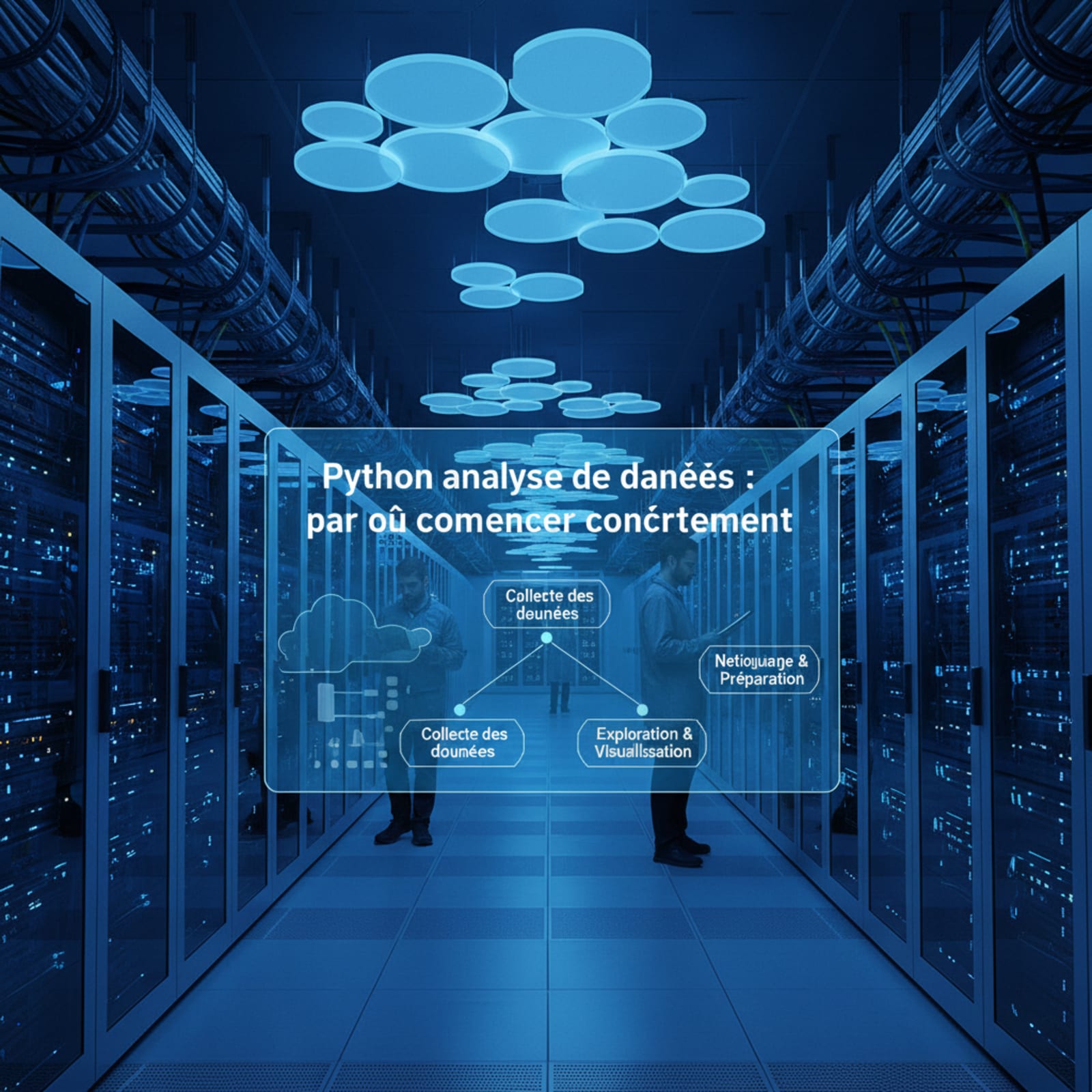
To practically start data analysis with Python, install the Anaconda distribution to get Jupyter Notebook, then use the Pandas library to import, filter, and aggregate your data. Just a few lines of code are enough to automate your repetitive Excel tasks.
The Two Weekly Hours You Never Get Back
Every Monday morning, in the offices of Casablanca, from Sidi Maarouf to the Marina, the same scenario plays out for dozens of financial analysts, management controllers, and marketing managers. A raw extraction file, often from an ERP or CRM, lands in their inbox. What follows is a tedious ritual: open Excel, delete empty rows, convert text dates to European format, apply a complex VLOOKUP, and cross-reference everything with a locally stored mapping file. This routine easily consumes two hours a week, or nearly a hundred hours a year for a single employee. This valuable time, lost in repetitive manipulation tasks, deprives the company of true strategic analysis capabilities.
Transitioning to Python for data analysis is not just a technology trend, but an operational necessity to gain efficiency. Unlike Excel, which hits its physical limits as soon as you exceed a few hundred thousand rows or multiply nested formulas, Python offers a robust, auditable, and above all, automatable framework. What used to take two hours of manual clicks and anxiety over spreadsheet crashes can now run in less than three seconds. For a major retail player like Super Auto Distribution, mastering these information flows represents a major competitive advantage for tracking sales performance in real time.
Setting Up an Environment Without Getting Lost
For a finance or marketing professional, the first barrier to entry is often technical. Installing Python and managing libraries can seem intimidating. To start smoothly, you should avoid complex command-line installations and opt for integrated solutions. The Anaconda distribution has established itself as the industry standard. It installs Python, essential scientific libraries, and the Jupyter Notebook tool all at once. The latter allows you to write code interactively, visualizing the result of each step immediately below the written line of code.
Once the installation is complete, the analyst has a complete local data laboratory. Jupyter Notebook runs directly in a web browser, eliminating the need to configure a heavy development environment. For teams that prefer to avoid any local installation on their work machines—which are sometimes restricted by the IT department—cloud alternatives like Google Colab allow you to code directly from a simple browser. The key is to have a space where you can import a CSV or Excel file and start manipulating it without worrying about system configurations.
Pandas: Read, Filter, Aggregate
The Pandas library is the cornerstone of any journey to learn Python for data. It introduces a fundamental concept: the DataFrame, which is the computational equivalent of an Excel sheet, but with infinitely greater processing power. To get started, three fundamental operations are enough to replace most complex manual manipulations. The first is reading data. With a single line of code, Pandas can import an Excel file of several megabytes, automatically detect column types, and structure the information cleanly.
The second step involves filtering and cleaning. Instead of clicking on Excel filters and manually deleting anomalies, Pandas allows you to define clear logical rules. For example, you can isolate all transactions from a specific subsidiary that exceed a certain threshold in a fraction of a second. Finally, aggregation advantageously replaces pivot tables. A simple instruction allows you to group data by product category and calculate the sum of sales or average margins. The syntax of Pandas is designed to be readable, allowing an employee to read and understand a colleague's script effortlessly.
Automating a Recurring Process
The real return on investment of learning Python lies in the ability to automate a process. Once the cleaning, filtering, and aggregation steps are written in a notebook, the analyst can save this script as a standalone executable file. Each week, they simply need to drop the new raw file into a specific folder and run the script. The program will read the document, apply the recipe defined by the code, generate the final report as a perfectly formatted Excel file, and save it in the right place.
To go further, this script can be scheduled to run automatically at a specific time, for example, every Monday morning at 6:00 AM. By the time the analyst arrives at the office, the tedious work is already done, eliminating any risk of human error related to fatigue or inattention. This automation approach deeply transforms the daily routine of teams. It frees up considerable mental bandwidth, allowing employees to focus on interpreting the numbers rather than formatting them, thereby bringing real added value to company decision-makers.
How Far to Go Before Calling a Data Engineer
Getting started with Python helps solve a multitude of daily problems, but it is crucial to recognize the limits of this individual approach. A local script written by an analyst works perfectly for moderate file sizes and isolated processes. However, as soon as data volumes reach several gigabytes, sources multiply in real time, or results need to be securely shared with hundreds of users via interactive dashboards, the DIY approach reaches its limits.
This is precisely where the Data Engineer comes in. While the analyst uses Python to explore and understand historical data, the Data Engineer designs robust, secure, and scalable infrastructures. They will industrialize the analyst's script to integrate it into a global data pipeline, connect directly to the company's production databases, manage access security, and guarantee end-to-end data quality. For large organizations like Marjane Holding or Tanger Med Engineering, this collaboration between the analyst's business vision and the technical expertise of a Data Engineering consulting firm is the key to transforming isolated initiatives into a true data-driven corporate culture.